How Can We Help?
How to Archive a Folder and Download It
Easily Compress and Retrieve Your Files in One Package
Managing files is key to running a website. While FTP is common, it requires extra software and isn’t always convenient, especially on mobile. Hostpanel’s File Manager is browser-based, flexible, and lets you easily upload, create, delete, and download files or folders—no extra tools needed.
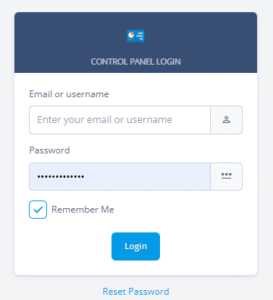
- Log in to Hostpanel at https://yourdomain.com/hostpanel (replace com with your actual domain).
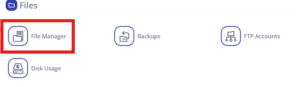
From the homepage, go to the Files section and select File Manager.
- Navigate to the folder you want to archive.
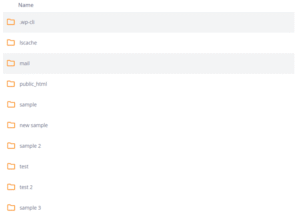
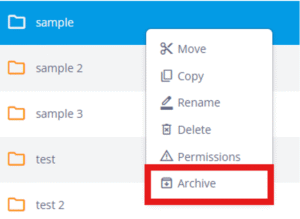
- Right-click the folder and select Archive.
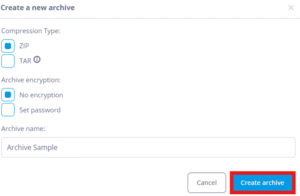
- The Create a New Archive window will appear. Choose your preferred compression type, optionally add encryption, and set a clear archive name for easy tracking.
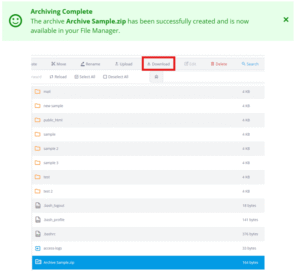
- After the archive is created, a message “Archiving Complete” will appear at the top. Scroll down to locate your file, then select it and click the Download button at the top.