How Can We Help?
How to Create a New HostPanel User Account
Simplify Account Management with HostPanel User Creation
One of the biggest advantages of a managed VPS hosting solution is that you don’t need to worry about installing an operating system, configuring security, or maintaining hardware. You still get a virtual server with guaranteed resources and the flexibility to run multiple projects on it.
With Hostpanel, everything is managed through an easy-to-use interface, allowing you to control multiple projects from a single panel. The whole point of Hostpanel is to simplify the process of starting a new website—and creating a new user account takes only a couple of minutes. Here are the steps:
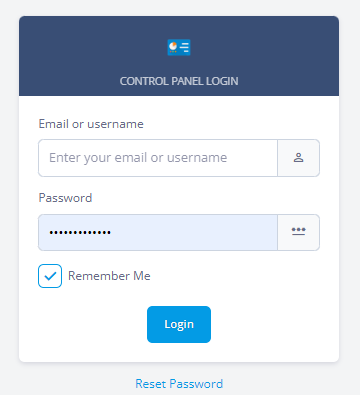
- Log in to Hostpanel’s User Interface and go to Subdomains. The default login URL is https://yourdomain.com/hostpanel (replace com with your actual domain). You’ll find the Manage Users under the Settings section on the Hostpanel homepage.
 Click Add User at the top. The Add a New User form will appear—fill in the required details, then click Create to finish.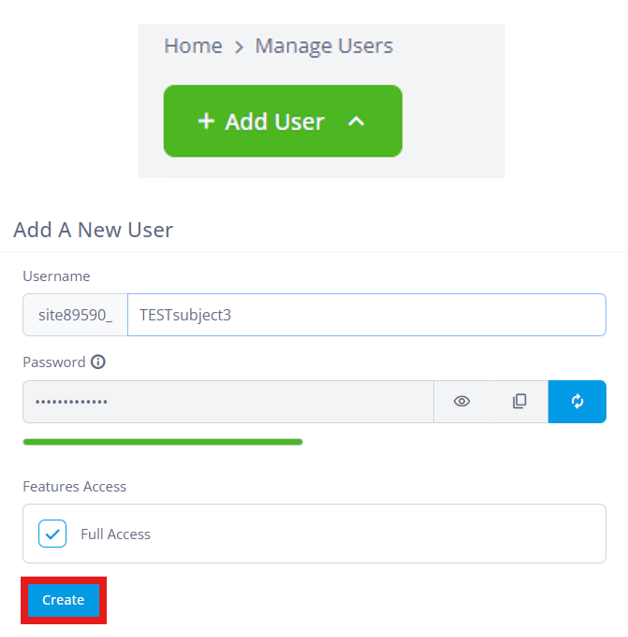
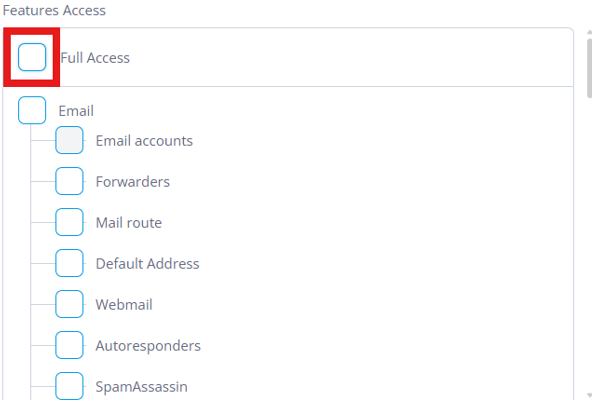
Additional: If you uncheck the “Full Access” box, you can specify the exact permissions you want to grant to the new user. Scroll it down for more feature access.
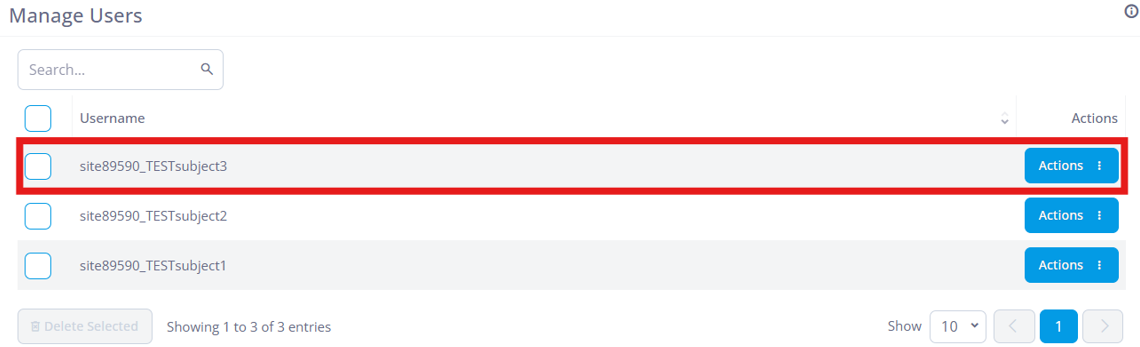
- Once created, the newly created profile will show with all the other user you currently have on your account. You can change the permission, the password and delete the profile when you clicked the “Actions” button at the right side.