How Can We Help?
How to Change the PHP Version of a Website
Easily Switch Your Site to a New PHP Version
If you work with computers, you’ve likely seen countless reminders to always use the latest software versions—and you may also know the issues this can sometimes cause. Because PHP is widely used and different websites often require different PHP versions, Hostpanel makes switching between them quick and easy. Here’s how to change your PHP version:
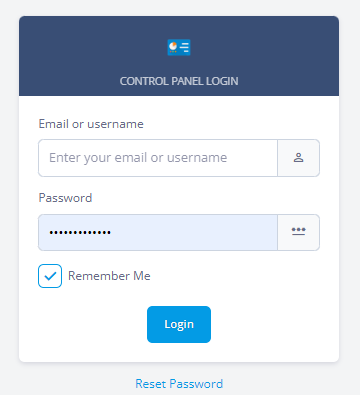
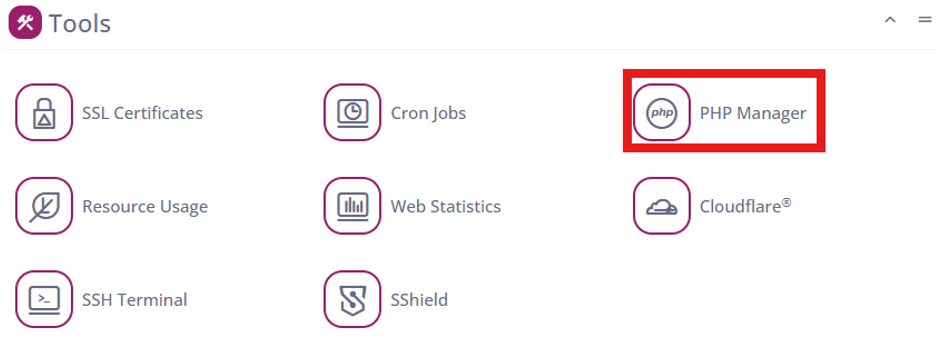
- Log in to Hostpanel’s User Interface and go to Subdomains. The default login URL is https://yourdomain.com/hostpanel (replace com with your actual domain). You’ll find the PHP Manager under the Tools section on the Hostpanel homepage.
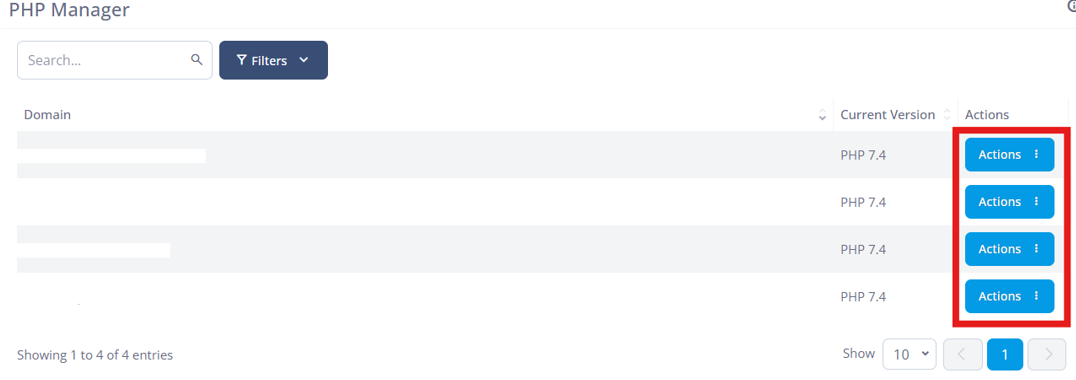
- Click the Actions button next to the website you want to modify.
A list of all your domains and subdomains will appear, and you can set a PHP version for each one individually.
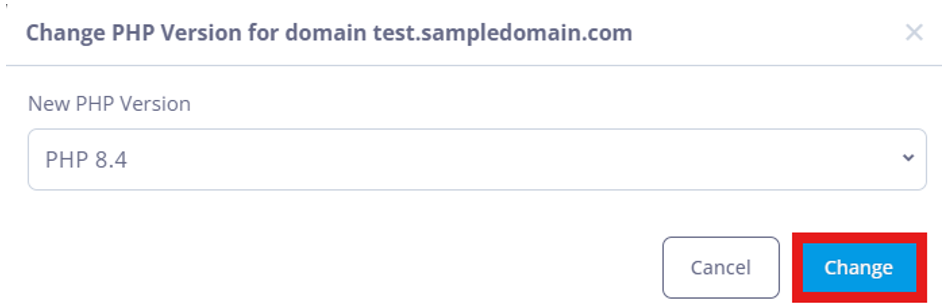
- Choose the PHP version you want to use. A popup will display all available versions.
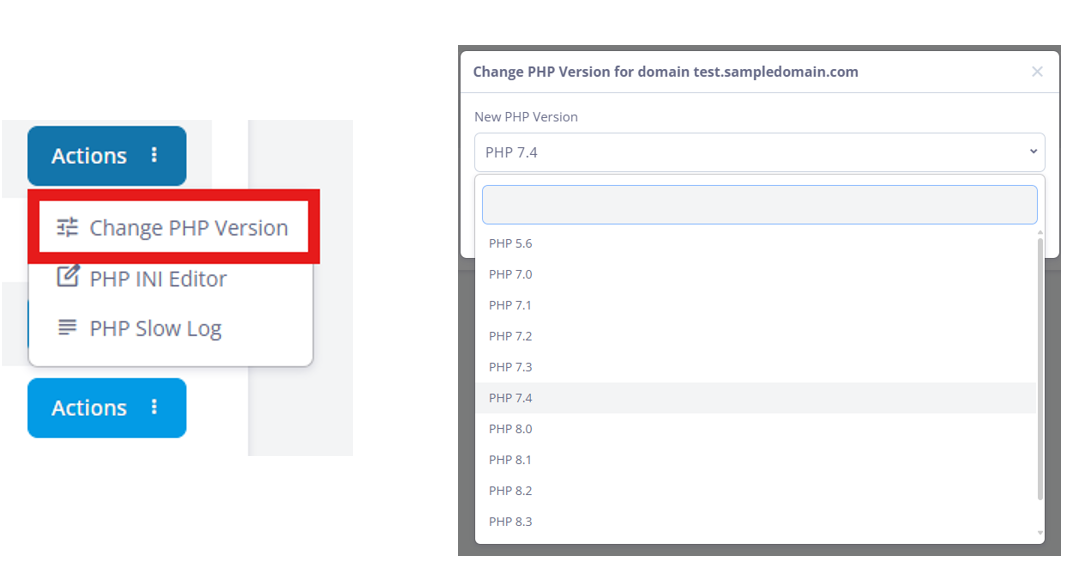
- simply select your preferred one and click Change to apply it.